
Voice
It sounds like your business, not a call centre
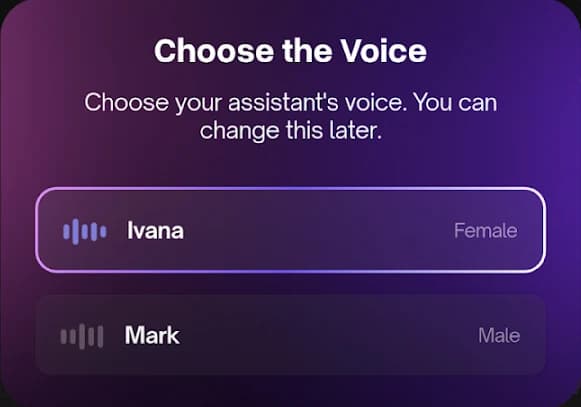
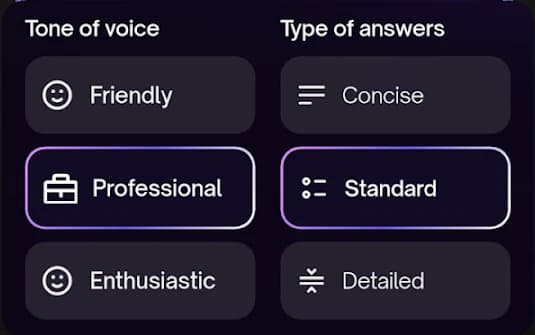
Preview voices before you commit, set how warm or formal it should be, and give it a name. Callers hear a receptionist who knows the business.
AI receptionist for HVAC, plumbing & electrical
Answers every call, day or night. Books the job straight onto your calendar. You never touch a voicemail again.

Here's the same 6:47pm call, with and without someone to pick it up.
Outcome
No answer, no record
6:47pm
Voicemail
Rings out, no answer
Nobody free to pick up at 6:47pm.
Goes to voicemail
A message you will not hear until the morning.
Customer calls the next name on Google
The next contractor on the list answers, and books it.
Outcome
Caller booked, you got the write-up
6:47pm
Answered
Answered in 2 rings
Day or night, weekends and holidays included.
Calendar synced instantly
Availability read from your Google Calendar, the booking written back.
Details and transcript in your inbox
Name, number and the job, waiting for you when the call ends.
Everything below is the app you get. No configuration files, no dashboards to learn.
Voice
Preview voices before you commit, set how warm or formal it should be, and give it a name. Callers hear a receptionist who knows the business.
Hours
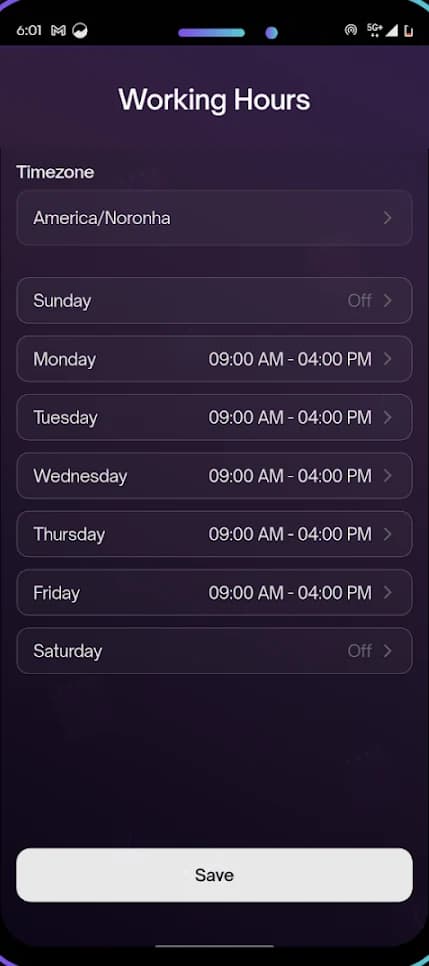
Set your opening times for each day, including the days you're closed. Inside those hours it books. Outside them it still picks up, works out how urgent the job is, and has the details waiting for you in the morning.
Guardrails
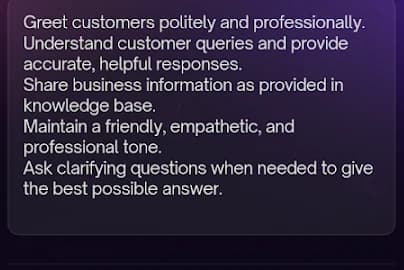
Write what your receptionist should handle, and what it must never do — no invented prices, no promises on your behalf, nothing outside your business. It follows those instructions on every single call.

Booking
It offers the slots you actually have free, confirms the one the caller picks, and tells them a confirmation text is on the way — then writes the whole thing up for you.
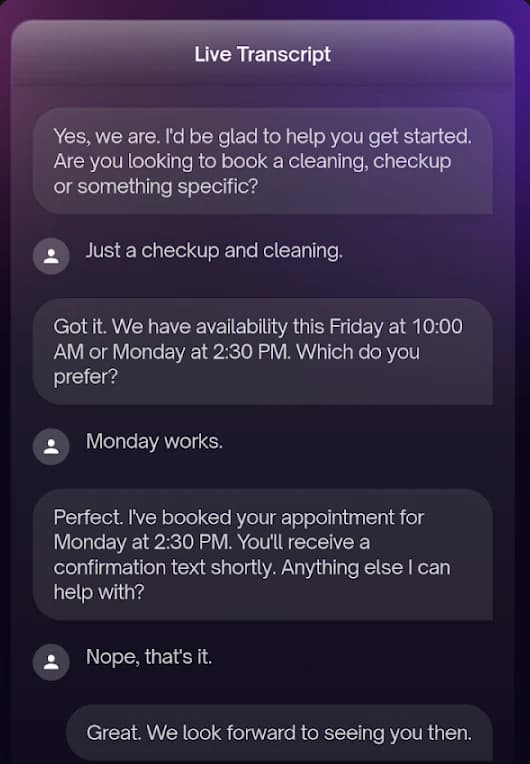
About 15 minutes, start to finish — no developer or IT help needed.
Google or Apple sign-in — no form, no password to invent, no approval to wait for. Your business number is assigned before you have finished looking around, and the app tells you exactly what is left to do.
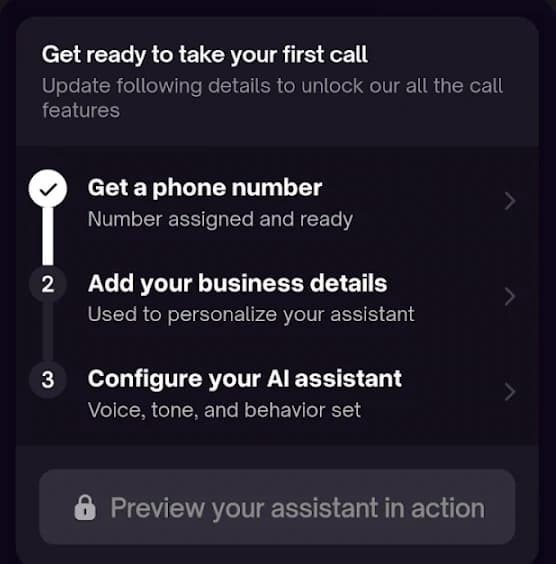
Lay out each day, including the ones you are closed. This is what tells your receptionist the difference between a normal Tuesday afternoon and eleven at night on a Sunday.
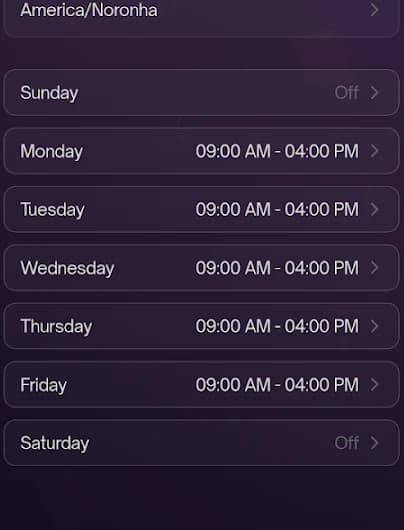
Point it at your website to pull in your services and service area, or type them in. Then write the rules: what to answer, what to book, what to flag as an emergency, and what to leave for you.
Instead of a settings form, RingFront AI rings you and talks it through. Pick a voice from the library, set how formal and how detailed it should be, and give it a name your callers will hear.
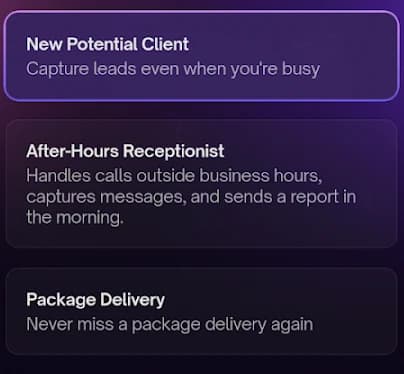
Run it against a real scenario — a new customer, an after-hours emergency, a delivery — and hear exactly what your callers will hear. Change anything you do not like, then connect your number and it starts working.
Straight answers
RingFront AI is live on both app stores. You can download it, set it up and hear it answer before you ever speak to us.
$0.49 per answered call
No monthly minimum, no seat fees, no contract. Unanswered calls cost nothing.
See the mathsGoogle Calendar, today
Bookings land on your calendar as the call ends. ServiceTitan and Jobber are still in build.
See integrationsNamed third-party AI providers
We publish which providers process call audio and text, and what they retain.
Read the disclosurePay only for calls answered. No monthly minimum, no per-seat fees, no contract.
Every kind of call
The calls your business gets every week, and what RingFront AI does with each one.
What customers say
“Set up in 12 minutes. My assistant booked 3 appointments while I slept last night.”
Sarah M. · Freelance Consultant
“Handles calls like a $15/hr receptionist but costs pennies. Game changer.”
Mike T. · Small Business Owner
“Finally stopped checking voicemail. Everything's transcribed and scheduled.”
Lisa K. · Real Estate Agent
Still have questions?
Email us directly at jc@ringfront.ai or send a message.
Never miss another call.
$0.49 per answered call. Live in 15 minutes.