
From download to live receptionist in 15 minutes.
No developer, no IT ticket, no waiting on a sales call. Here's exactly what happens, step by step.
Phase 1 — Sign up
One-tap sign up
Sign in with Google or Apple — three seconds, no account to create from scratch. No forms to fill out, no password to remember, and no waiting around for approval. You're straight into setup the moment you tap sign up.
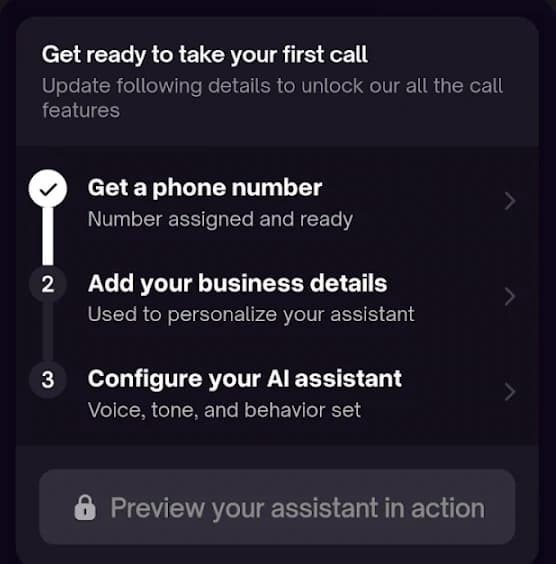
Phase 2 — Set up your receptionist
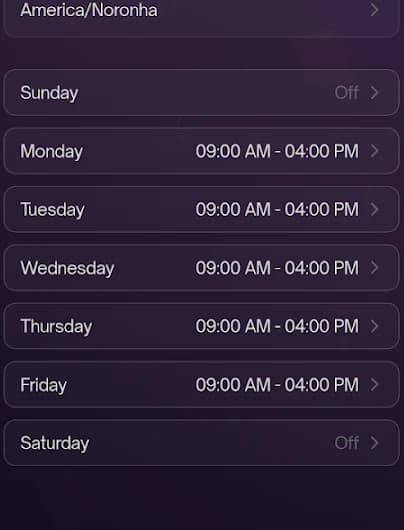
Set your hours
Lay out your schedule for every day of the week — split shifts, days off, holiday hours, whatever your business actually runs on. RingFront AI answers differently depending on when the call comes in, so this is what tells it the difference between a normal Tuesday and 11pm on a Sunday.
Tell it what to handle
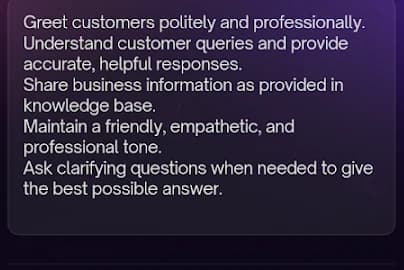
Point us at your website and we pull the basics — services, service area — or type them in yourself. Then tell your receptionist what it should and shouldn't handle: quote a price, book the job, flag it as an emergency, or just take a message. It never promises something you can't deliver.
Voice setup, by voice
Instead of filling out a settings form, RingFront AI calls you. You talk through how you want calls handled — what to ask, what counts as an emergency, when to book an appointment versus just take a message. It's a conversation, not a config screen.
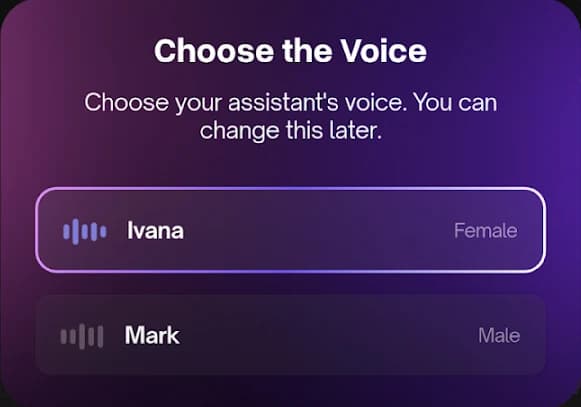
Pick a voice
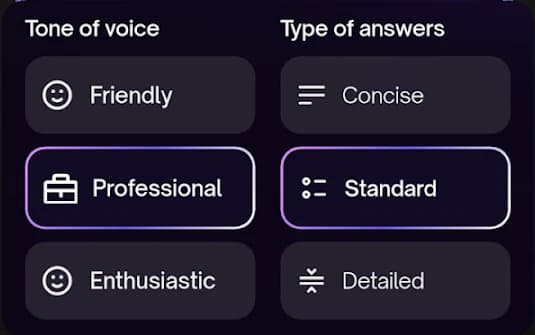
Choose from 100+ natural-sounding voices, previewed before you commit. Friendly, professional, or urgent — pick whatever fits how your business already answers the phone, and name your agent to match.
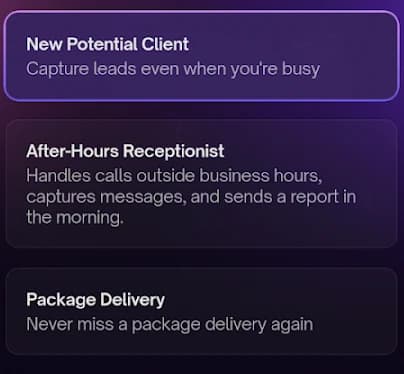
Pick a test scenario
Call your own assistant before a single customer does. Try it against real scenarios — a new client, an after-hours emergency, a package delivery — and hear exactly what your callers will hear before anyone else does.
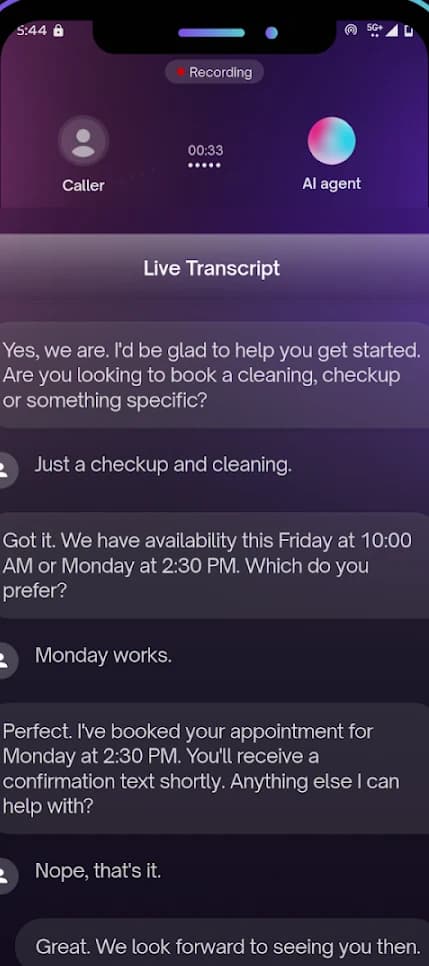
Read the live transcript
Watch the conversation transcribe in real time as your assistant handles the test call — exactly what it heard, what it said back, and what it decided to do. Don't like something? Change it instantly and call again.
Phase 3 — Go live
Connect your number and go live
Link your business line and you're live — no delay, no "activation period." From that moment on, every call gets answered, every job gets booked, and it lands straight on your calendar.
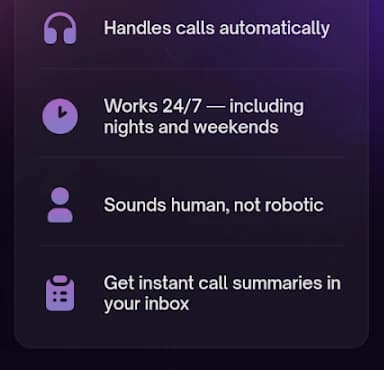
Every call becomes a job, not a voicemail.
When a customer calls, RingFront AI answers, understands what they need, and books the appointment straight onto your calendar. You get the details without having to listen to a recording.
Answered in 2 rings
No hold music, no voicemail — day, night, or holiday.
Understands the ask
Figures out what the customer needs and whether it's urgent.
Booked on your calendar
Synced to Google Calendar instantly — no double-booking.
See it for yourself in 15 minutes.
$0.49 per call. No monthly minimum.